Student registration
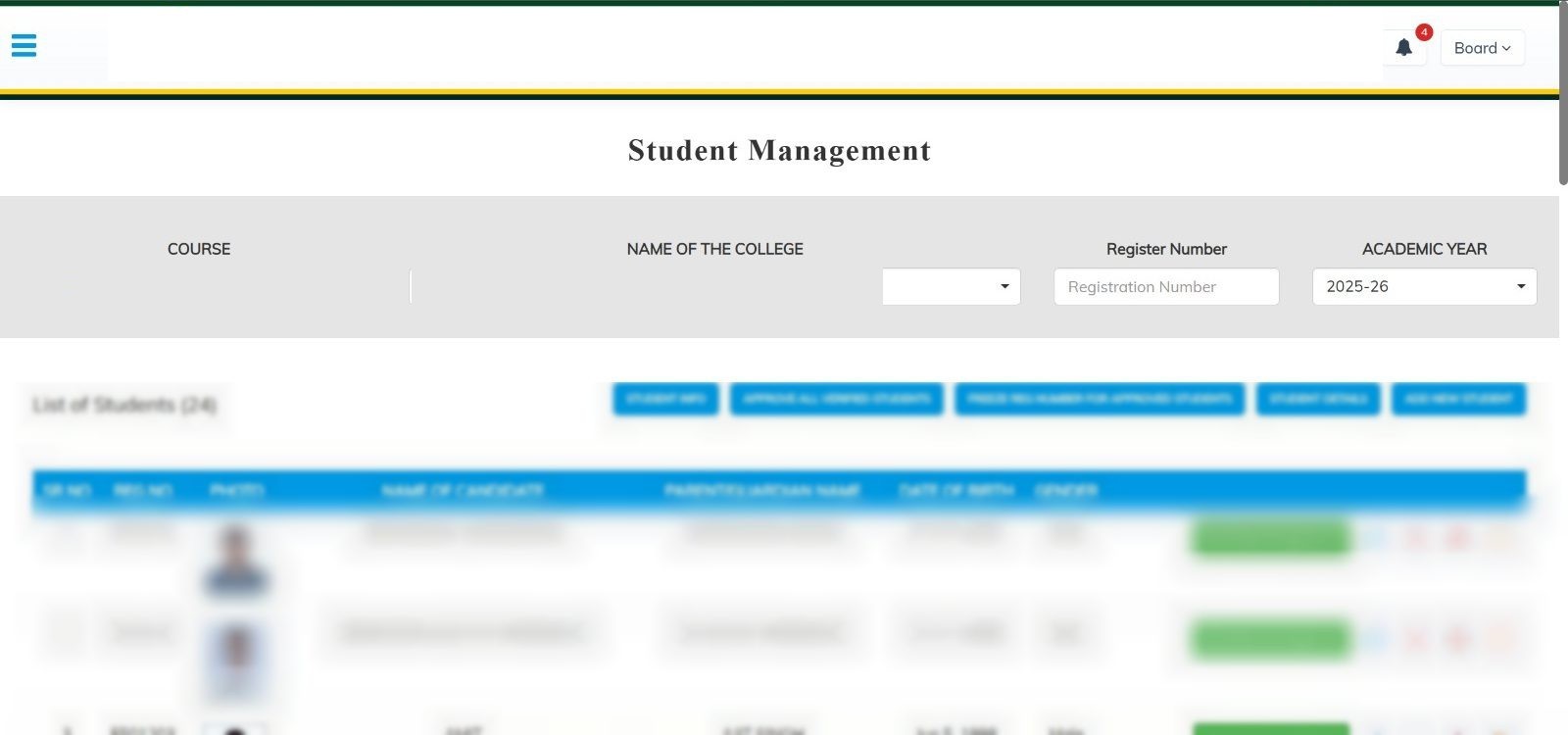
A college adds its students, checks them, and locks the registration number once approval is done.

Examination portal
Colleges run the sitting from one portal. A separate valuation desk then marks the answer scripts on screen, including review and two rounds of revaluation.
Running the exam
A college adds its students, checks them, and locks the registration number once approval is done.
A college, an exam centre, a custodian and the certificate desk each see only their own work.
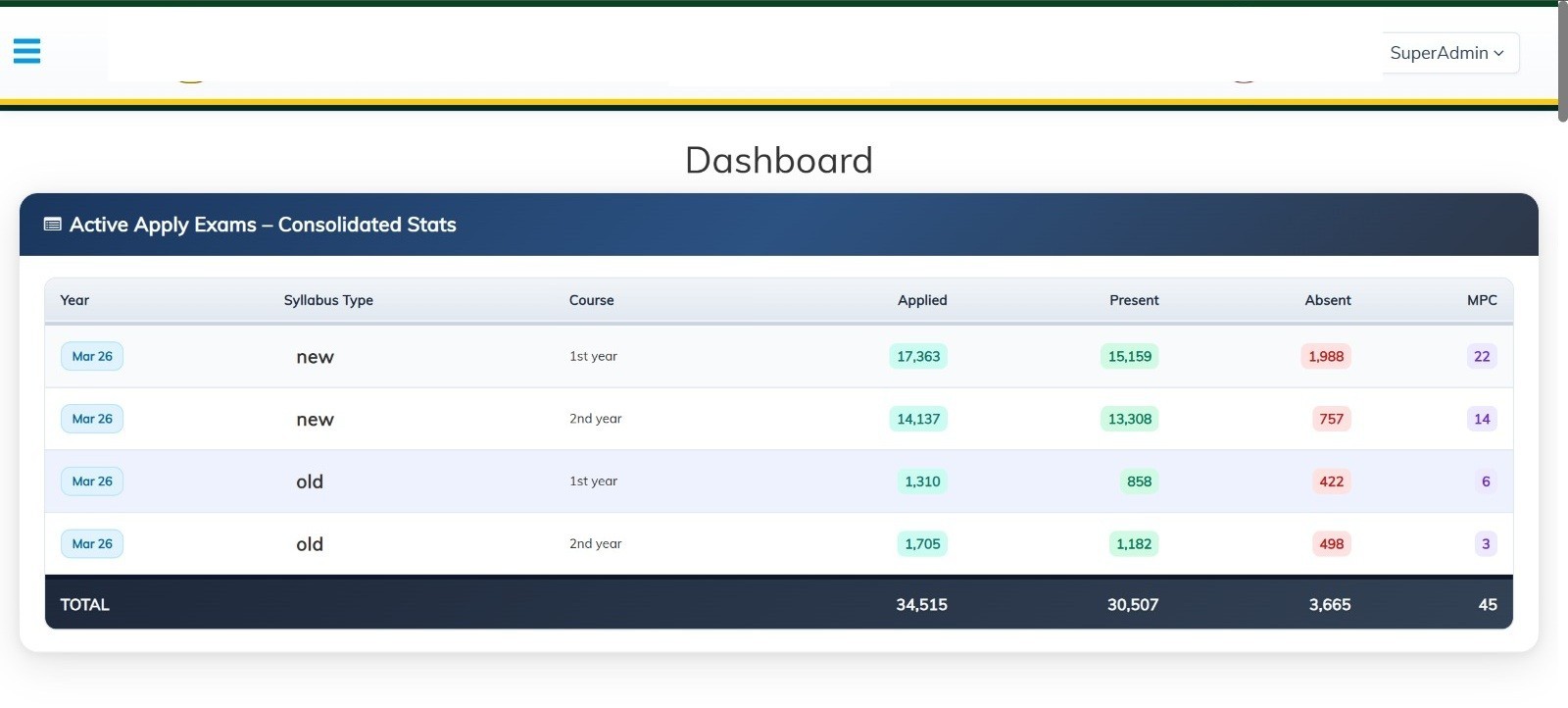
Applied, present, absent and malpractice, split by year and by old or new syllabus.
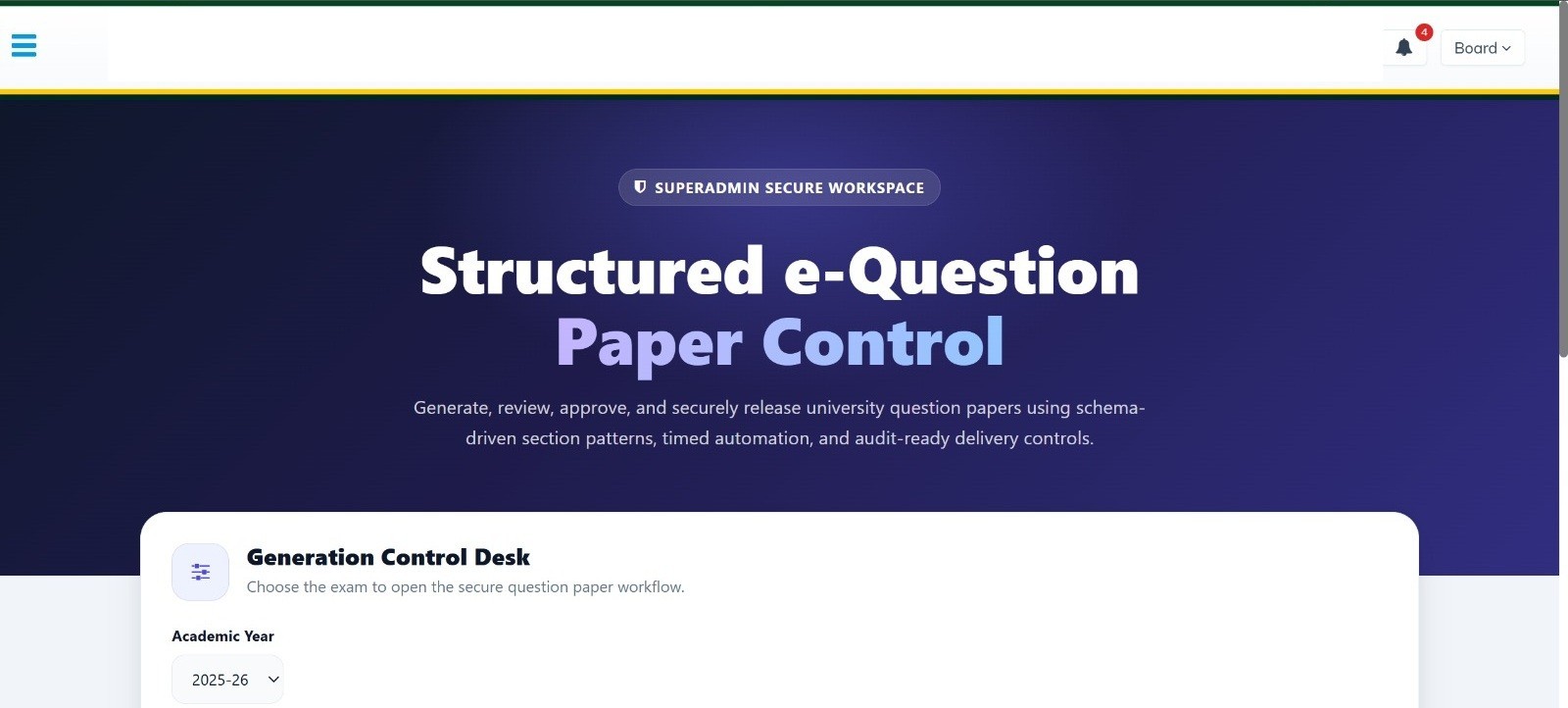
Papers are prepared in a restricted desk and open at the centre only when the timer allows it.
Each answer script is barcoded, and the centre records students who were absent.
Packets are sent to exam centres, mapped to scripts, and confirmed when they arrive.
Each centre is stored with a location, so the board knows where that sitting is held.
Colleges enter sessional marks. Examiners enter practical marks, separate from theory.
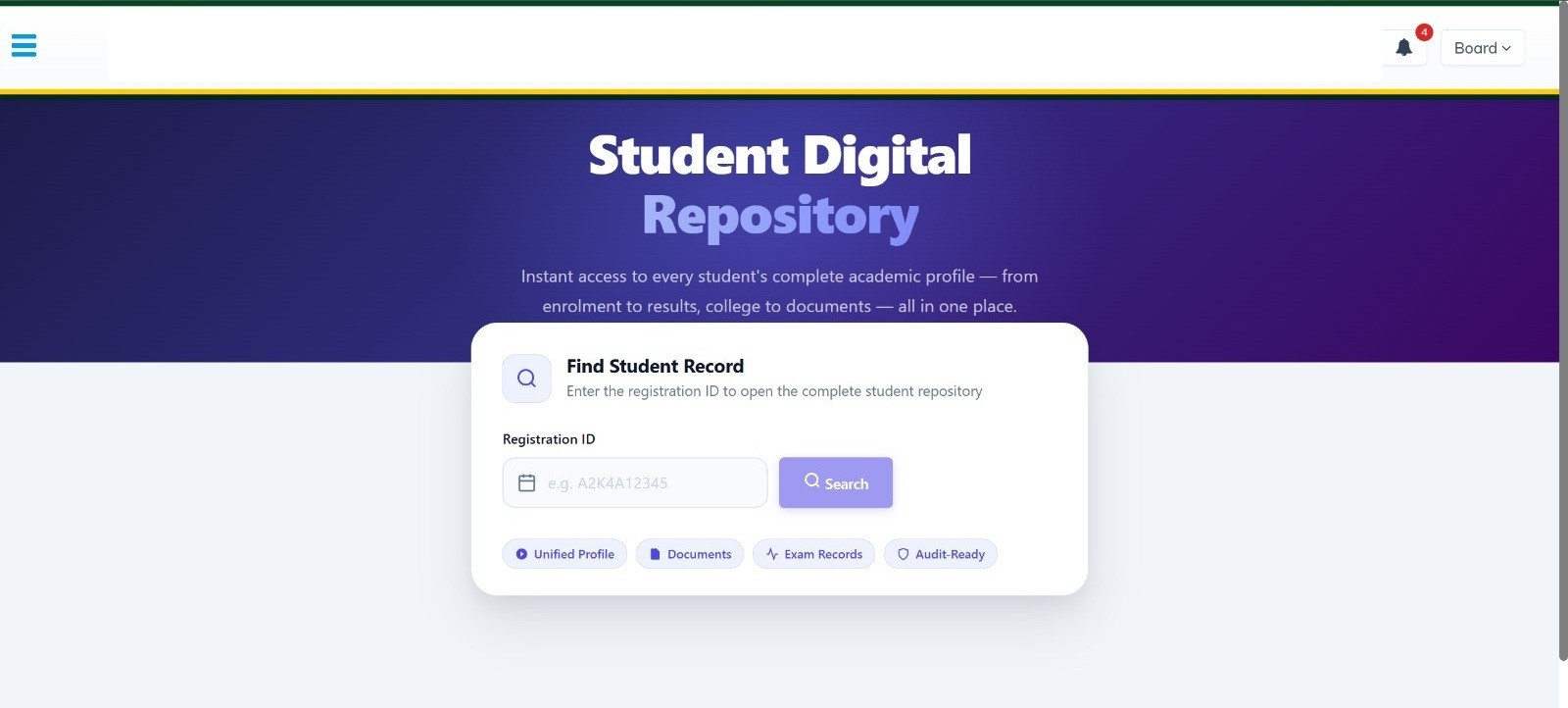
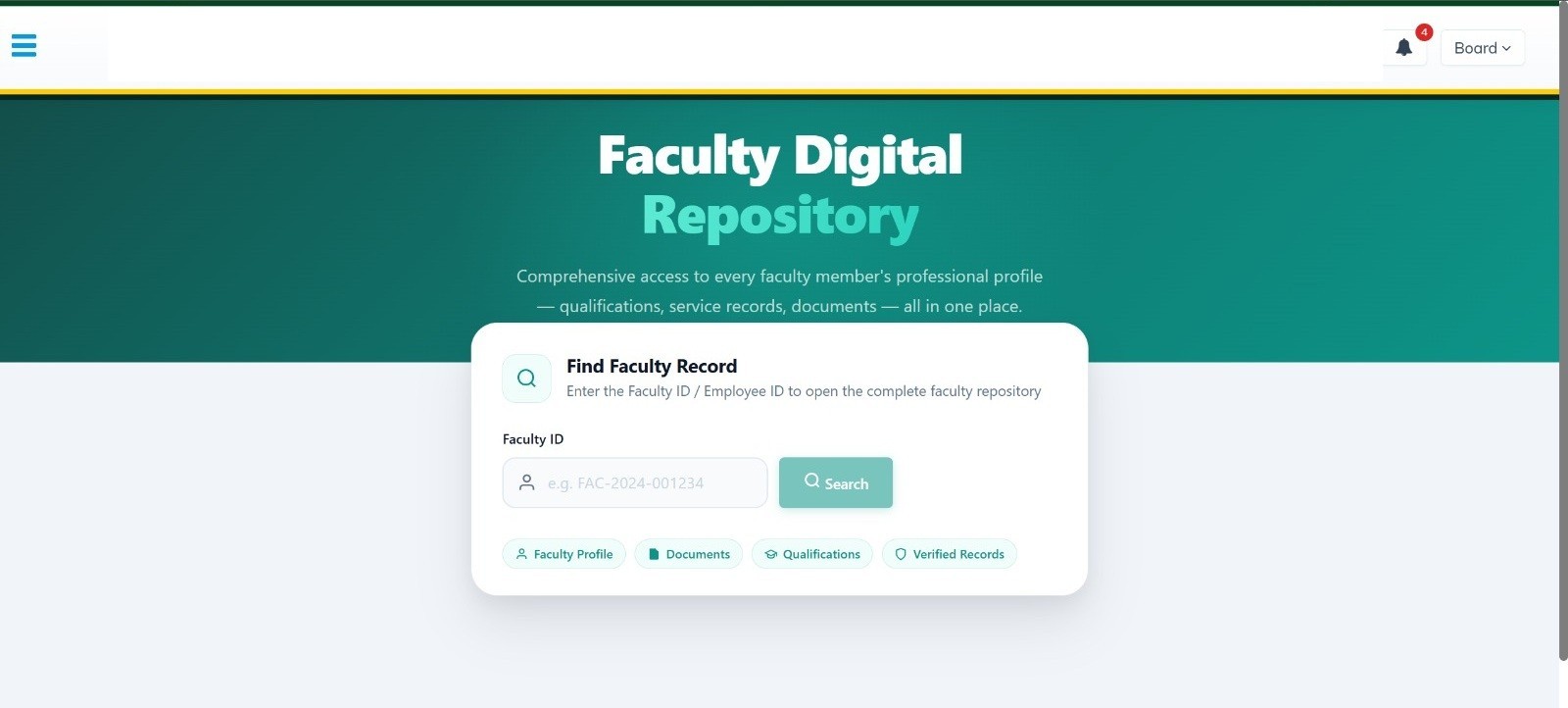
A full student or faculty file opens from an id: documents, qualifications and exam history.
Marking and results
The valuator sees the answer script, not the candidate’s name, and marks it question by question.
The question paper for that subject stays open next to the answers while marks are entered.
A script can be saved and resumed. It is frozen only after the marks are complete.
The desk shows scripts still waiting and scripts already marked, and stops new ones once the day’s quota is done.
A college applies for revaluation. The script can then be reviewed and marked again in two further rounds.
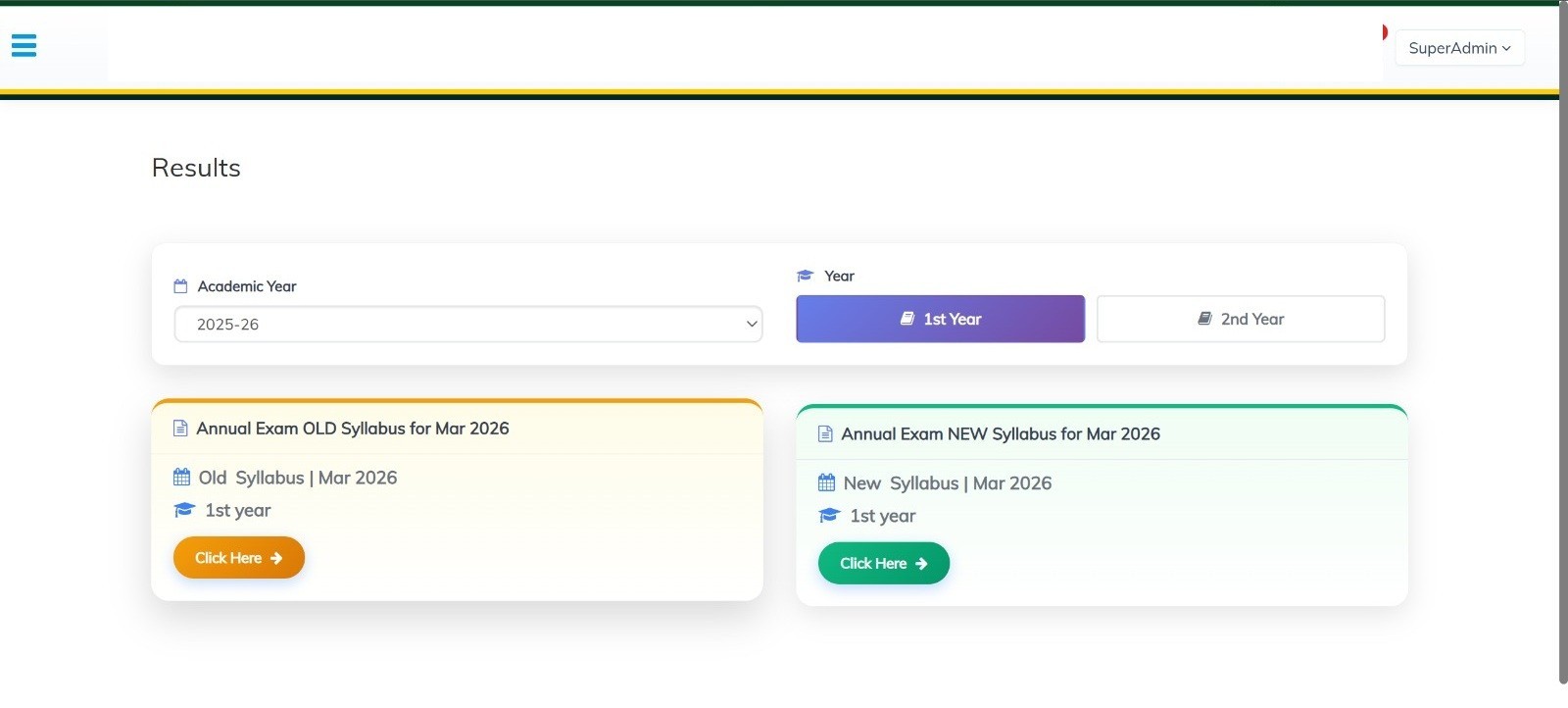
Results are published by academic year, for the old syllabus and the new one.
A marks card can be downloaded once the result for that student is final.
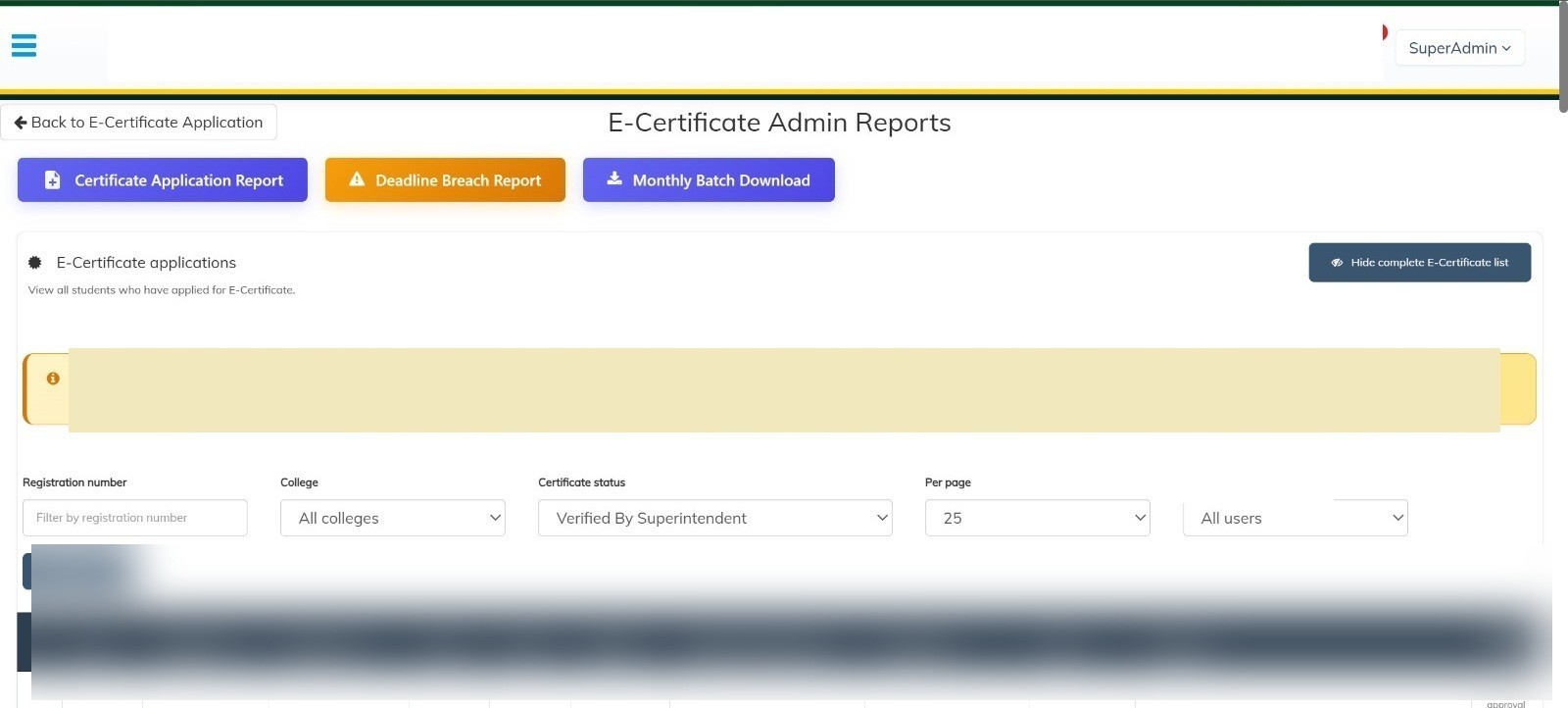
The certificate starts with a code sent by email, then moves through document check and final approval.
The name on the register is verified before a certificate or marks card is issued.